
You can find the same bold headline cards from the Select app in our primary app’s “Discover” section.


Through experimenting with two distinct news apps over the years, we have learned a lot about how to improve our products to better meet your needs. The two apps’ features and experiences have grown closer over time, so we are bringing the best parts of the Select app (blue icon) to the primary Washington Post app (black icon). Soon the Select app no longer will be available, but you can access every story from The Post and helpful new features inside our primary app. Download it here.
When will The Washington Post (blue icon) app go away?
It will be available until March as readers move their accounts and saved stories to our primary app. After that, you’ll need to have the primary Washington Post app (black icon) to read The Post. You will still be able to move your account after the Select app closes.
What about The Washington Post Select app for Amazon Fire tablets?
The redesigned primary app will be delivered to you as a standard app update. You won’t have to take any additional steps.
What happens to my subscription purchased within The Washington Post Select (blue icon) app? (Apple App Store or Google Play Store)
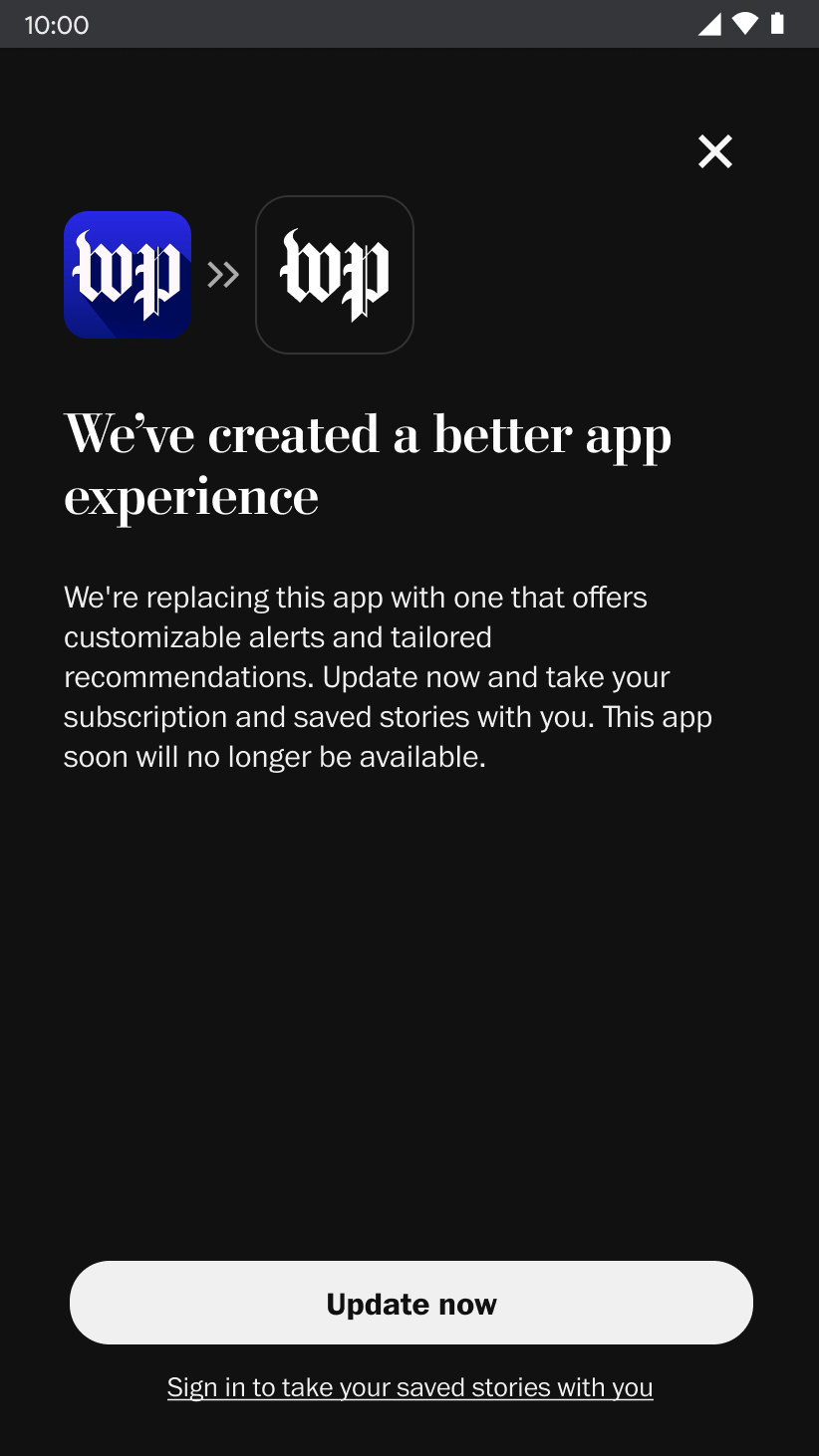
Your subscription will be transferred to The Post’s primary app through a few easy steps. Open the Select app on iOS or Android and tap “Update now.” You will be taken to the App Store to download the new app and your subscription (and/or account) will automatically transfer. If you have any issues, please reach out to us and we’re happy to help.
Your subscription will be transferred to The Post’s primary app through a few easy steps. Open the Select app on iOS or Android and tap “Update now.” You will be taken to the App Store to download the new app and your subscription (and/or account) will automatically transfer. If you have any issues, please reach out to us and we’re happy to help.

How can I take my saved stories with me?
You will need an account to migrate your saved stories.
If you’re not logged into the Select app, follow the prompts on the migration screens to sign in or create an account. Your subscription (and/or account) will automatically transfer.
If you’re already logged in, select “Update now” and your subscription and saved stories will transfer to the new app.
If you have any issues, please reach out to us and we’re happy to help.
Comments
0 comments
Article is closed for comments.